


How much can my GMC truck tow?
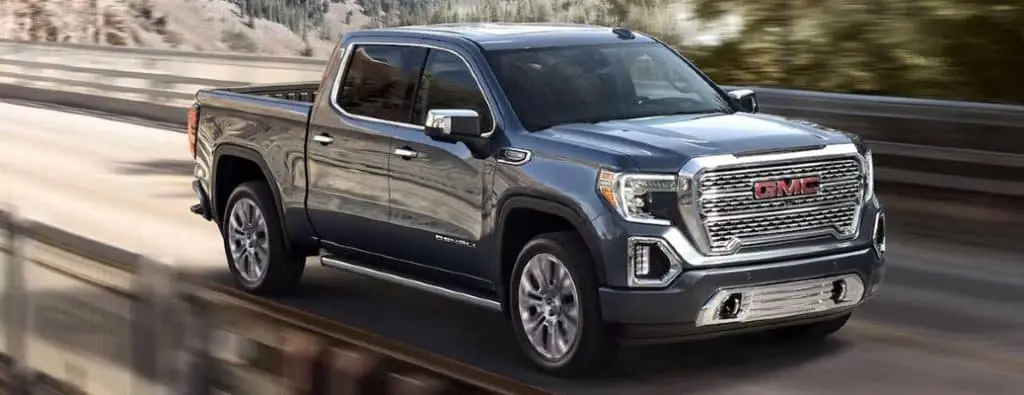
Learn how to check your vehicle’s towing capacity
Watch the video below to learn how to find the towing capacity of your GMC truck. We can help you find vehicles with a higher towing capacity here at Carl Black Roswell. Stop by for a test drive at our dealership in Roswell, GA.
GMC Towing: How to Check your Towing Capacity | GMC video
The first two minutes of this video will run you through important terms to know before you tow. It’ll teach you what common towing acronyms stand for and what they mean. Skip ahead if you just want to learn where to find your truck’s towing capacity.
Where to find your vehicle’s towing weight limit
If you have a GMC vehicle, you should be able to find the available Trailering Information Label on the driver door jamb. This sticker provides you with important information about towing capacities and is perhaps the easiest place to reference. Here’s a list of all your options.
- Trailering Information Label: On your vehicle’s door jamb. Open your driver’s door and look at the area where the door meets the vehicle.
- Owner’s Manual: Your vehicle’s owner’s manual contains more information on towing. It’s a good reference if your door sticker becomes unreadable or lost.
- Online Owner’s Manual: Did you lose your owner’s manual? GMC has an online portal to help you find available, free, online owner’s manuals.
- Online Trailering Guide by GMC: Head to GMC.com to use the online Trailering Guide to find your vehicle’s towing capacity and other relevant information.
- Load Calculator on myGMC mobile app: On your device, access the myGMC mobile app and use the Load Calculator to find out if you’re overloading your vehicle. See the video above for more details on how to access this function.
- Ask a team member for help: Our team can help you learn more about your GMC truck.
Does the GMC Sierra 3500 HD make a good utility vehicle?
0 comment(s) so far on How much can my GMC truck tow?