


How do I pair my phone to my 2022 GMC vehicle using Bluetooth?
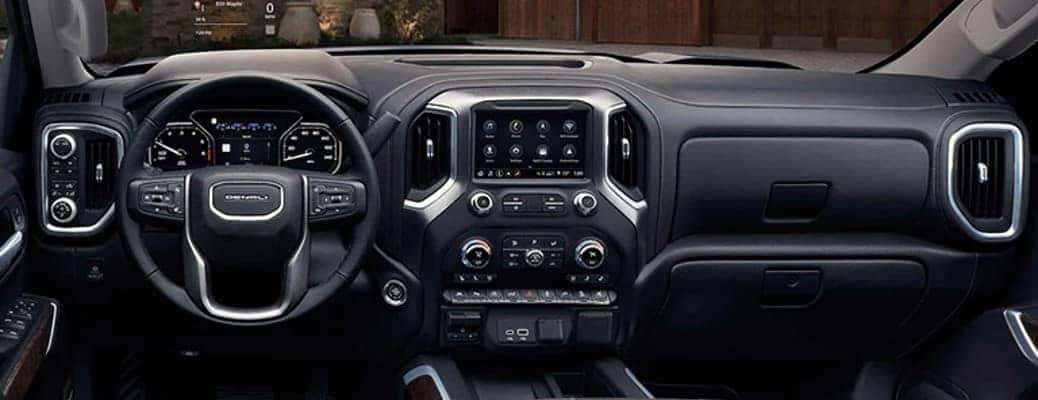
Bluetooth phone pairing guide for 2022 GMC vehicles
Pairing your phone with your car makes it easier to take phone calls and utilize entertainment options. The video and text guide below will show you how to pair your phone to the latest GMC models. We offer the latest GMC models here at Carl Black Roswell in Roswell, GA.
How to Pair Your Phone with Bluetooth | GMC video
Steps to pairing your phone to your GMC vehicle
Pairing a phone to your vehicle’s infotainment system with Bluetooth is an incredibly simple process that you can do in under five minutes if you’re familiar with the technology. Whether you’re familiar or not, the steps below provide an easy guide to pairing your phone. The video above provides the same steps along with a visual.
- Put your vehicle in park.
- Go to your phone’s settings and turn on Bluetooth.
- Tap the phone icon on your vehicle’s infotainment screen.
- Choose “Add Phone.”
- On your phone’s Bluetooth settings, select your car’s name.
- Follow the instructions on your vehicle’s infotainment screen.
- When the pairing is complete, the vehicle’s infotainment screen will show your phone as available for making and receiving calls. You can continue to set up wireless phone projection.
2022 GMC Terrain safety features
What are the benefits of pairing your phone with your car?
Bluetooth phone connection in your GMC vehicle allows you to make and receive calls through your vehicle’s speakers. This allows everyone in the car to hear the phone call. It also means that you can make hands-free calls from wherever you are. Other benefits include the option to stream music from your phone through your car’s speakers.
0 comment(s) so far on How do I pair my phone to my 2022 GMC vehicle using Bluetooth?