


How can I install apps into my Buick vehicle’s touchscreen?
 Video guide to adding and deleting apps in your Buick multimedia system
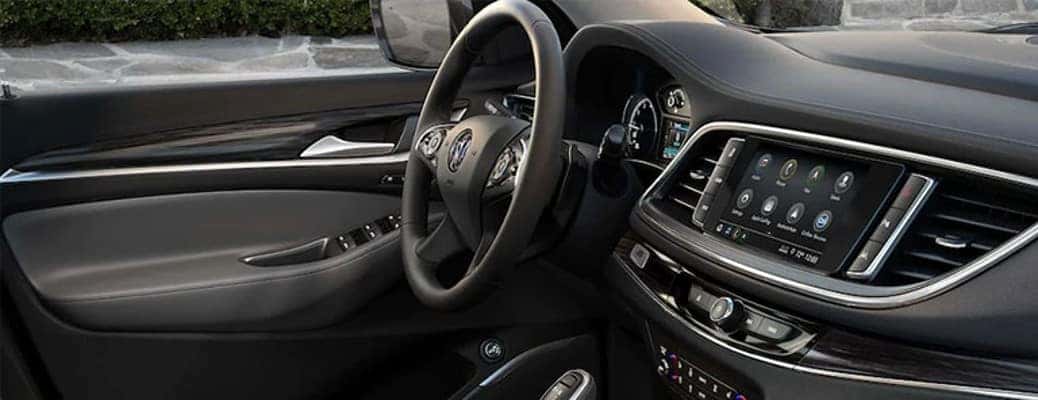
How can you install apps into your Buick vehicle’s touchscreen? Watch the video guide below to learn how you can add or delete apps on your vehicle’s touchscreen. You can find Buick vehicles like the Buick Encore GX here at Carl Black Roswell in Roswell, GA.
How To Install & Delete In-Vehicle Apps | Buick Encore GX How-To Videos by Buick
Steps to installing a new application in your Buick vehicle’s entertainment system
Taken from the video above, here are the steps that you can follow to get a new application in your vehicle. There are many great apps to choose from, so we recommend checking them out. If you run into any issues, ask a member of our team for some help.
- Touch the Apps icon on your vehicle’s touchscreen display.
- Find an application that you’d like to add to your library of apps.
- Select the app and select “Install” using the touchscreen controls.
- Follow the on-screen instructions to finish the installation.
Steps to deleting an app on your Buick vehicle’s entertainment system
The last half of the video above shows these steps. By following them, you can easily delete an app from your vehicle’s touchscreen. Some apps may not be possible to delete.
- Hold your finger down on the application that you wish to delete.
- When the “Delete” bar appears on the top of the screen, drag the app onto it.
- Confirm on the screen that you wish to delete the application.
- It will no longer appear on the home screen, and you can redownload deleted apps following the above process.
Does my Buick vehicle allow Yelp reservations?
0 comment(s) so far on How can I install apps into my Buick vehicle’s touchscreen?